Kohl's connected store
Store inventory management for Kohl's associates
Efficient and accurate inventory management for department stores.
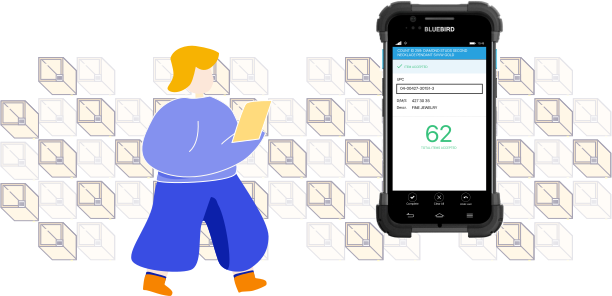
To simplify inventory management, in 2016 Kohl’s moved its inventory counting from a dedicated RF device to a smart enterprise mobile device, the Bluebird. This is the story of how I made that transition as easy as possible for associates in over 1,100 stores.
My role
Leading UX through full release
I led the UX design process from November 2016 to full release in May 2017, alongside a researcher, a design manager, a project manager and engineers building for Bluebird on Windows 10.
User research
Understand the terms, the device and today's experience
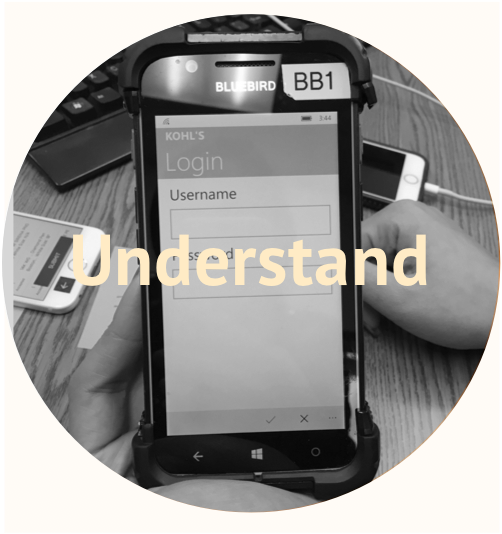
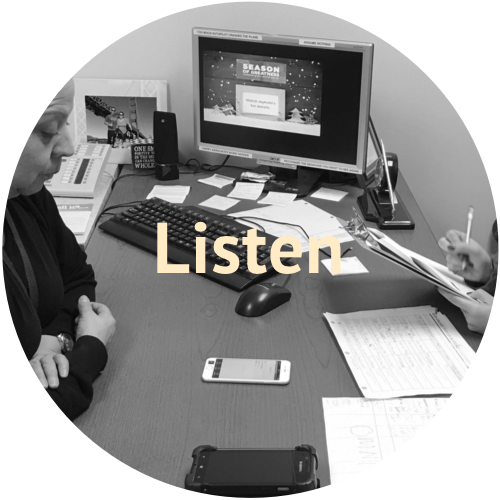
We lacked domain knowledge in inventory management, so we needed to learn the counting process thoroughly — and quickly. Early on, we ran contextual inquiries with store associates to understand the challenges and opportunities in their day-to-day work, and to see how complex inventory management really is.
Experience mapping
Spot the common ground
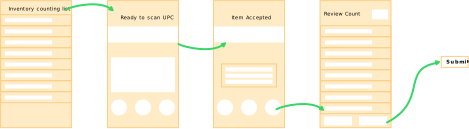
From day one, the team agreed this was a transitional experience, not something new from scratch. Keeping the Bluebird experience as close as possible to the RF device would reduce retraining for associates. That early decision shaped the quality of the result throughout.
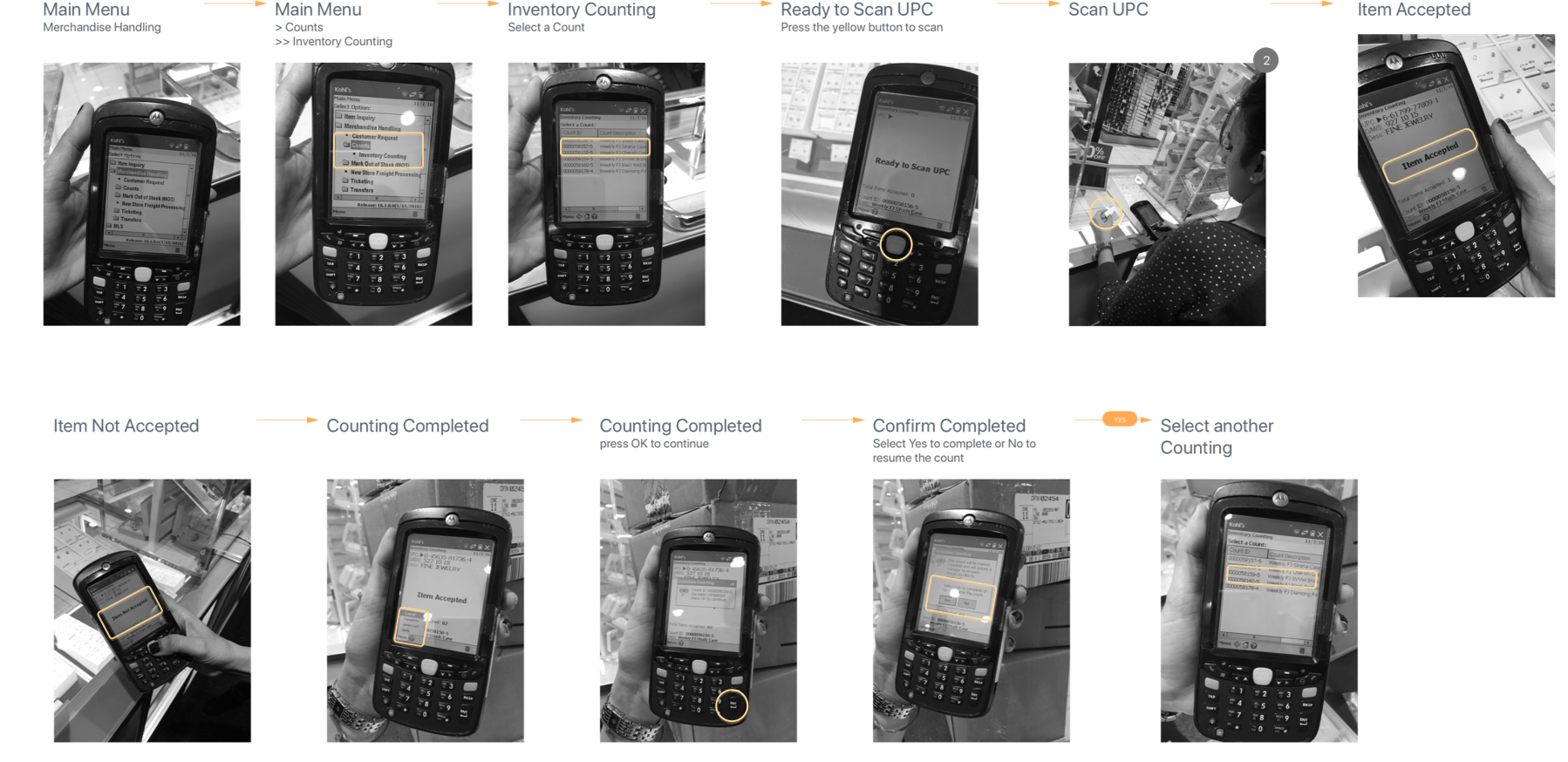
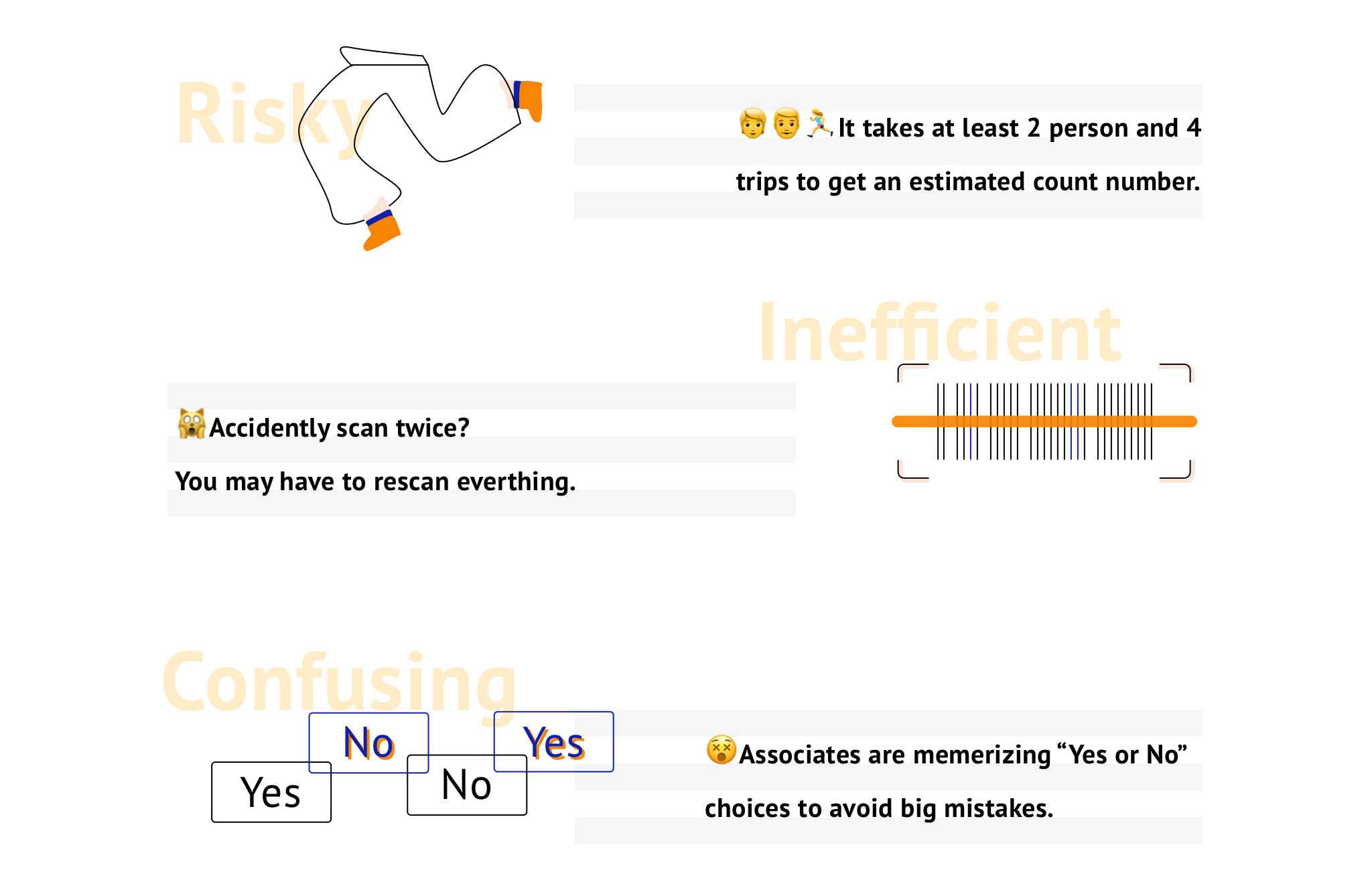
Some challenges of inventory counting we discovered:
Design highlights
Propose an upgraded experience
A clear start
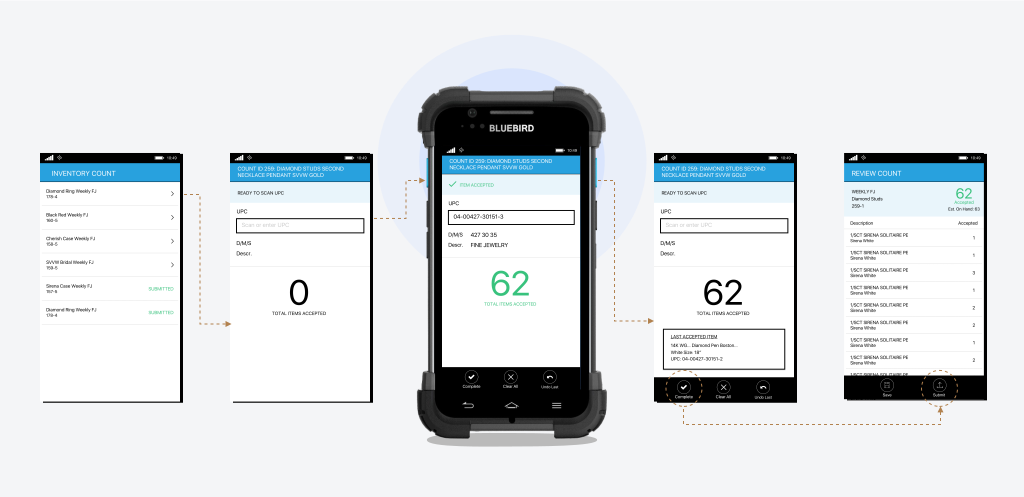
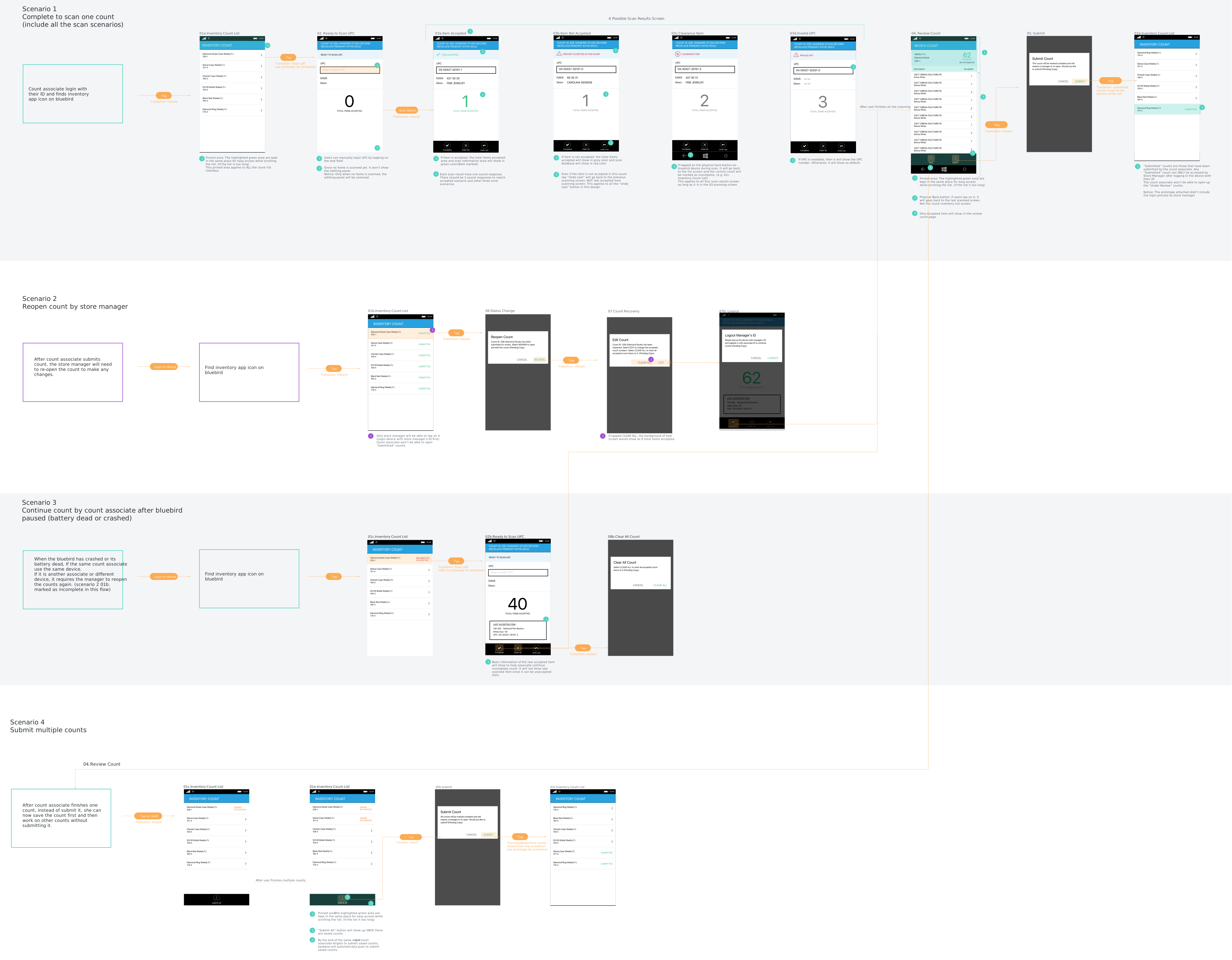
Associates see a clear estimate of the workload in 1 tap, instead of tapping 3 times to reach the “ready to scan” screen.
Scan in the know
A one-handed design, so associates keep scanning without stopping, even when an error occurs.
Submit with clear confirmation
Instead of tapping 4 times without knowing exactly what they’re selecting, associates review what they scanned before submitting — no more rescanning everything because of one miss or double scan.
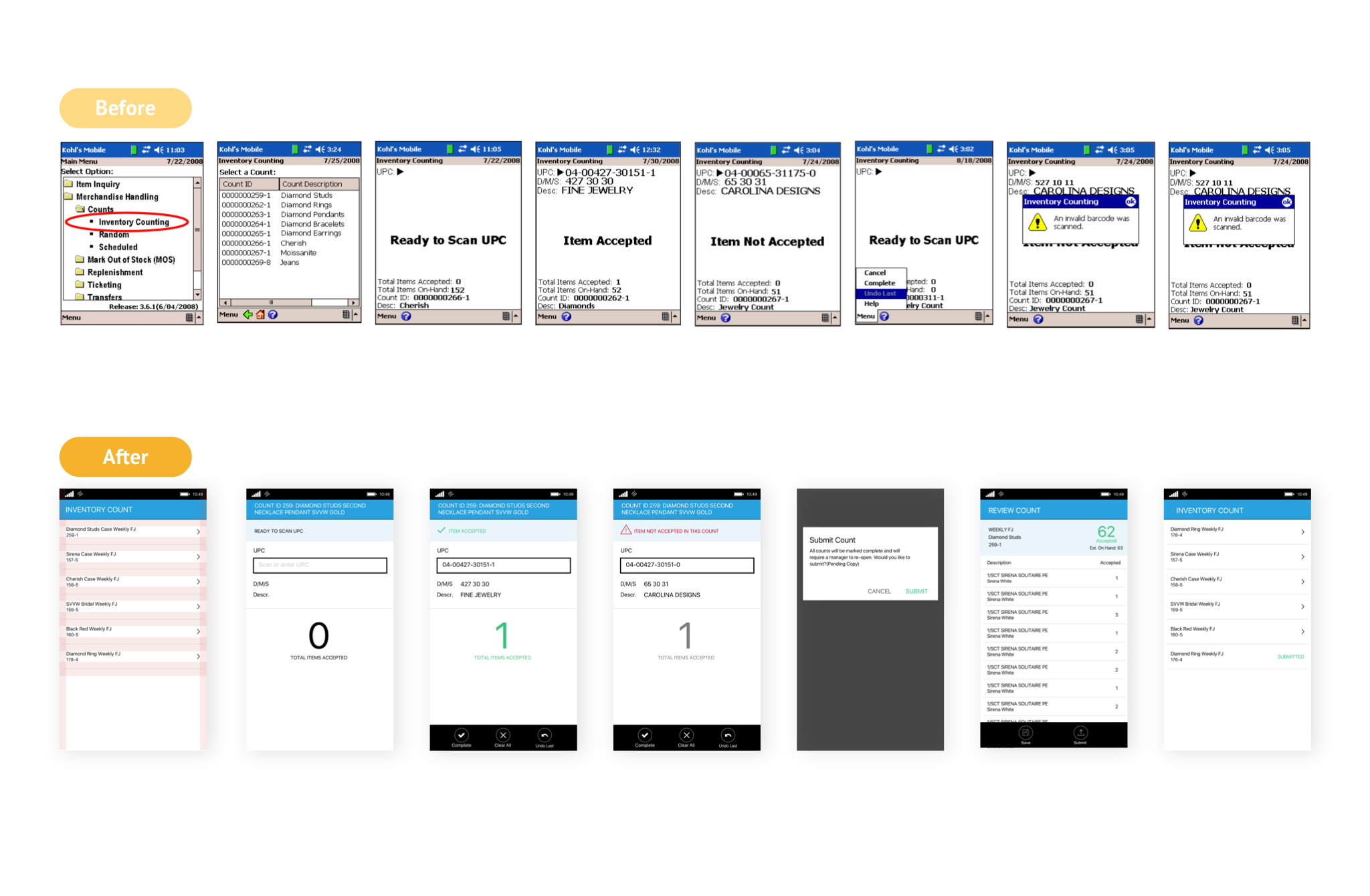
Design iteration
Going back to end users
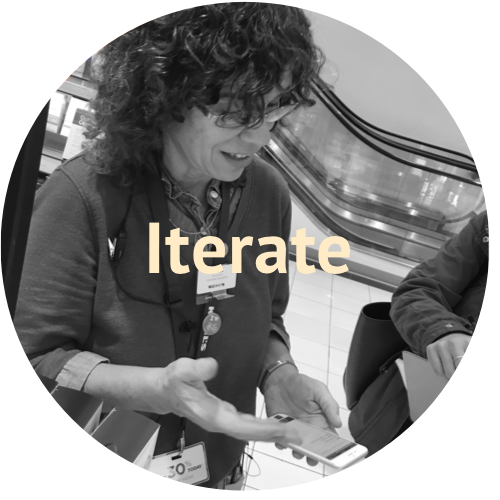
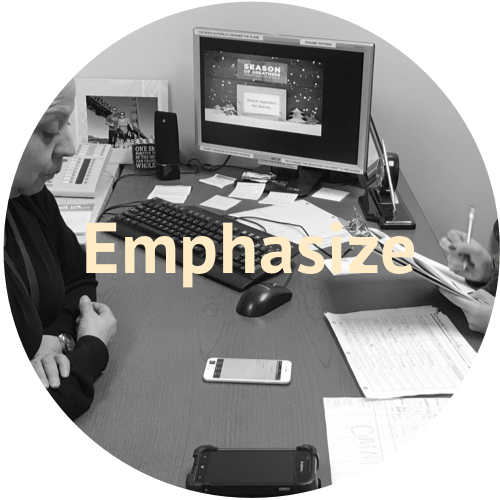
Within 2 weeks, with my research partner, we tested the design in 2 stores with 3 associates in different roles. One associate loved it so much she ended the test by saying “I like it!” three times. 😉
- pass rate on the main flow
- 100%
- overall success on key experience measures
- 80%
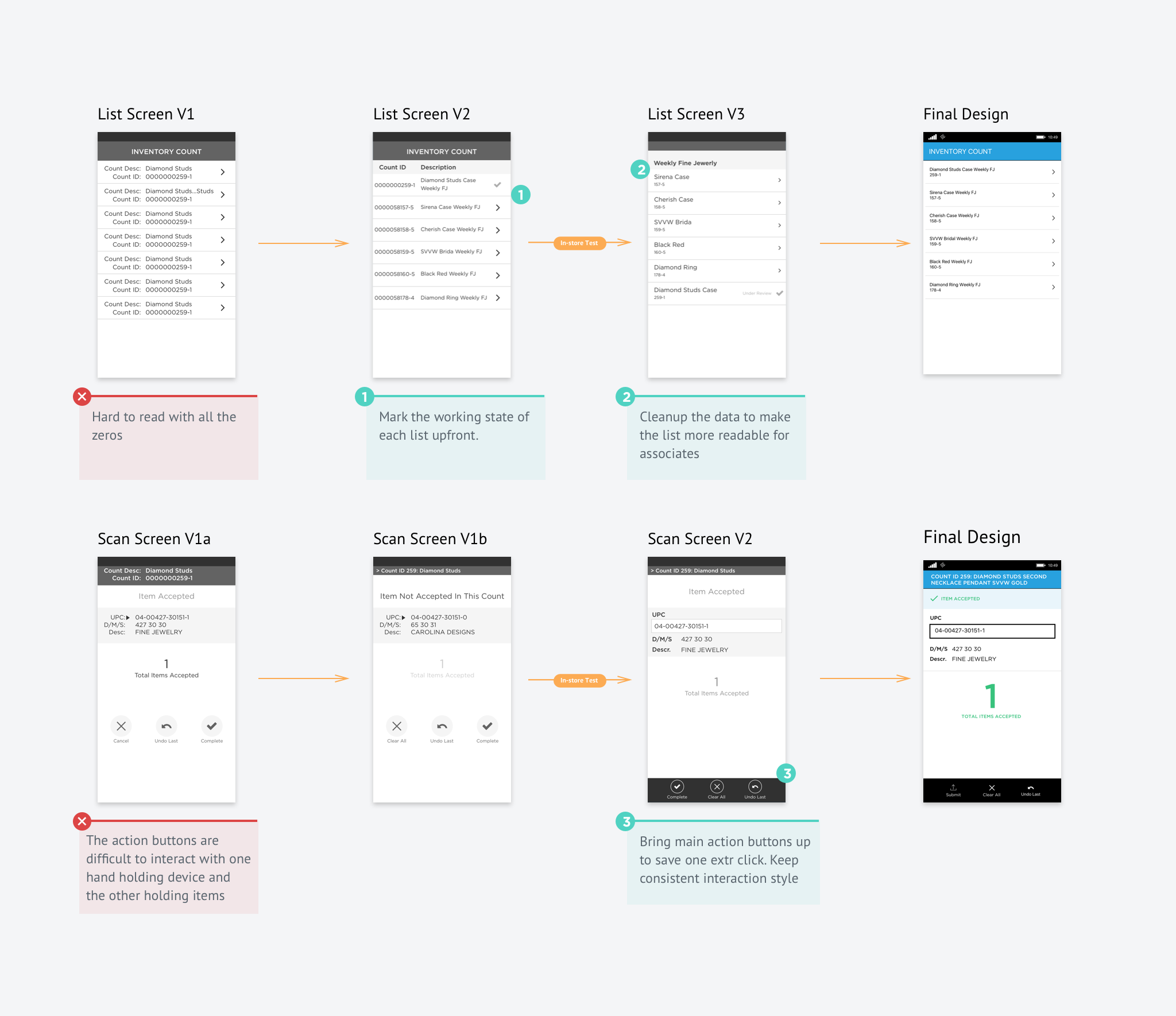
Save the count first
Putting the design in front of associates showed us right away that we’d overlooked their environment. With merchandise everywhere, things get misplaced. With the existing design, fixing that meant asking a store manager to reopen the count.
”With so many boxes and merchandise around, things often get misplaced. A sweater ends up in the shoe department; a missing pair of jeans gets ‘rescued’ from the T-shirt pile.”
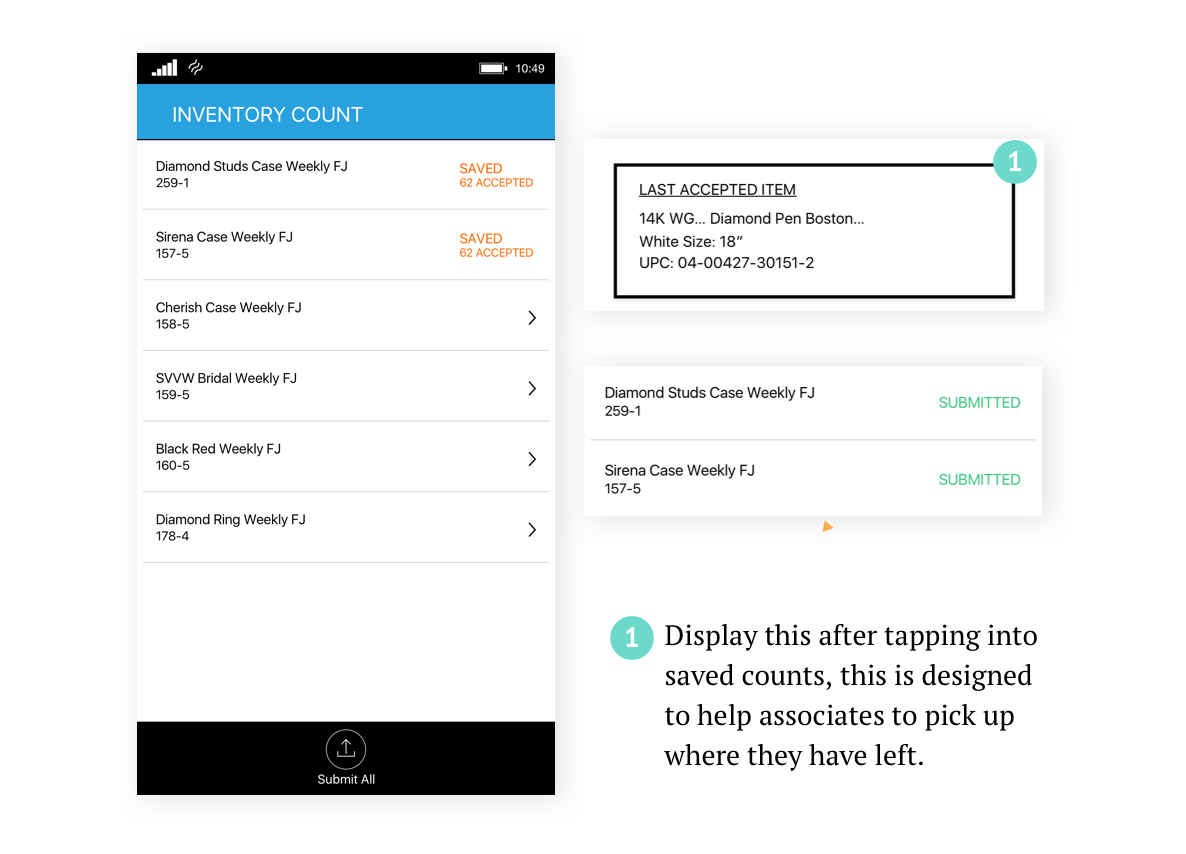
To save the back and forth, I introduced a Save function: associates can save each completed count, keep going, and submit all counts together once everything is scanned.
Design reflection
Story to be continued
Design the user experience, not just the feature
Part of the work was educating partners about user experience, rather than racing feature releases. We were first given 2 weeks, to leave time for development. The conversation opened up when we shared what we’d learned from associates in stores and how it shaped the design. We realized how big the gap was between store associates and people in the office — and the photos and insights built trust between teams and started a real conversation about timeline and features.
Design for Bluebird on Windows 10
Designing for Bluebird, a retail-only enterprise device, was new to me. After handoff there was a lot of back and forth with engineering, and I read through the Windows 10 developer docs to get the experience right.
Afterwards, I created a Bluebird pattern library to support other designers. Our team went on to design more than 10 Bluebird apps, and the process and library reached more and more people at Kohl’s.
Tools
- Paper & pencil
- Sketch
- InVision
Methods
- Contextual inquiry
- Usability testing
Skills
- Systems thinking
- Presentation
- UX research
- Storytelling
- Experience mapping
- Rapid prototyping